

WEEKLY NEWSLETTER
12 Routine Tasks Every CEO Should Delegate to AI

© CURRENT YEAR, AI Business Lab. All rights reserved.
Half your job doesn’t need you. It needs a plan.
As you’re reading this, I’m on sabbatical. Five weeks away from the business. No inbox triage. No morning scramble to figure out what the day holds. No dashboards to check.
And the business hasn’t skipped a beat. If anything, the opposite—my team’s updates say we’re on pace for our best summer on record.
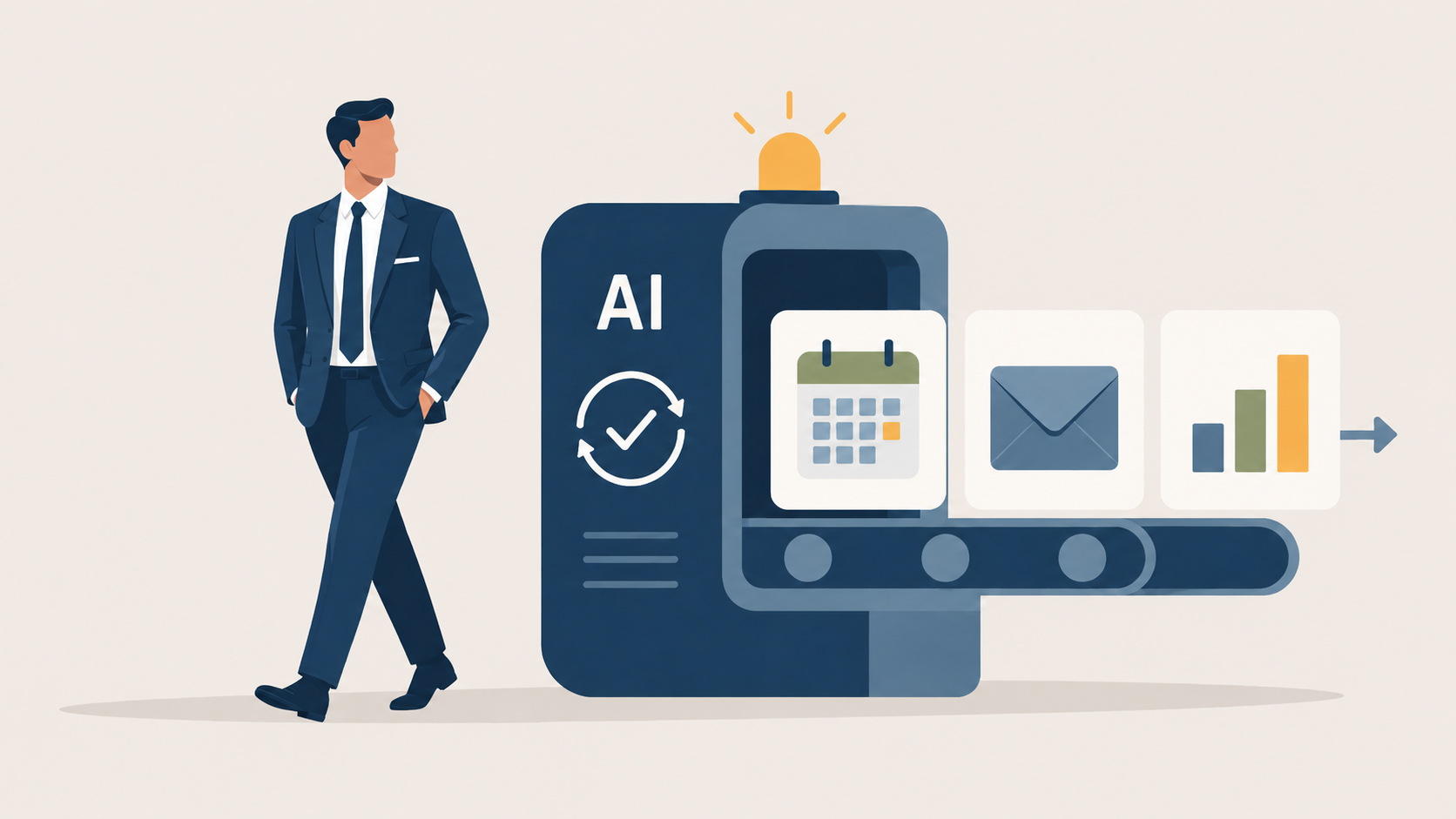
Every morning while I sleep, an AI agent assembles my briefing—calendar, the emails that matter, the news I need to see. Another sorts my inbox and drafts the replies. A third researches every applicant to my Mastermind long before I’d have gotten to them and forwards them to my sales team. The work still gets done. I just don’t do it.
Here’s what struck me somewhere in the second week: most business owners could never do this. Not because they don’t want the freedom—because the business is too dependent on them. They are the briefing. They are the inbox. They are the bottleneck. Step away for five weeks and the whole thing wobbles.
I used to be that owner.
What changed wasn’t willpower or calendar discipline. I stopped doing the routine work myself and handed it to AI agents that run in the background—whether I’m at my desk or on a dock with my phone in a drawer.
That’s the freedom I want for you. And it’s closer than you think.
If you’ve been dabbling with AI but not seeing real progress, the issue isn’t the technology. It’s that you don’t have a plan.
You don’t have to stay chained to your business to grow it. You can delegate at least half your routine workload to AI—and reclaim the work only you can do—by following four simple steps.
Step #1: List Your Routine Tasks
The first thing I want you to do is name the work.
Not your strategy. Not your key relationships. The repeating, predictable tasks that fill your calendar week after week—the ones that, if you’re honest, don’t actually require you specifically.
Here’s my list. Yours may mirror it exactly. It may look different. Either way, treat it as your starting template:
- Daily Briefing—assembling your calendar, key emails, and relevant news before the day begins
- Inbox Triage—sorting, prioritizing, and drafting replies across your accounts
- Meeting Prep—researching attendees, pulling past correspondence, surfacing talking points
- First Drafts—emails, memos, Slack updates, proposals
- Commitment Tracking—scanning messages and meetings for promises made and owed
- Content Repurposing—turning one long-form piece into platform-native posts
- Lead and Applicant Qualification—researching inbound prospects before your first reply
- Meeting Summaries—turning recorded calls into decisions, owners, and next steps
- Weekly Team Update—drafting the all-hands note or investor update from the week’s progress
- Business Pulse Dashboard—a weekly scorecard covering your financial, sales, and marketing metrics
- Research on Demand—competitor analysis, vendor comparisons, market questions
- Weekly Review—reviewing where your time went and drafting next week’s priorities
Look at that list carefully.
By most estimates, executives spend ten to fifteen hours every week on coordination work alone—email, follow-ups, scheduling, status updates. That’s before you count the drafting, the prep, the reporting. The routine half of your job isn’t a footnote. It’s half your job.
Your task: take my list and build your own. Add what I’ve missed. Remove what doesn’t apply. The goal is a complete picture of the repeating work that currently lands on your plate every week.
Step #2: Sort Them by Amplification vs. Automation
Once you have your list, sort every item into one of two buckets. This distinction is the hinge of the whole plan.
Amplification means AI makes you faster and better in the moment, but you initiate each time. You review the draft before it sends. You approve the research before the meeting. AI multiplies your output—it doesn’t replace your judgment. Meeting Prep, First Drafts, Lead Qualification, Research on Demand, and Content Repurposing are all amplification tasks.
Automation means AI runs the task on a schedule without you in the loop for each run. You set it up once; it runs every time. Your Daily Briefing is waiting when you wake up. Your Business Pulse Dashboard lands every Monday morning whether you remembered to pull it or not. The automation tasks on my list:
- Daily Briefing
- Inbox Triage
- Commitment Tracking
- Meeting Summaries
- Weekly Team Update
- Business Pulse Dashboard
- Weekly Review
Amplification is valuable. Automation is where the real leverage is—because it works whether or not you think about it.
Seven of my twelve tasks now run on autopilot. Count your automation column. That number is a proxy for the hours you’re about to get back.
Step #3: Delegate Three Tasks a Week
Here’s where most business owners lose the thread.
They approach AI tactically: Let me try something new this week. A new tool, a new prompt, a new demo. They feel productive. But there’s no cumulative progress. Three months in, the routine work is still theirs—and they start wondering whether any of this is actually worth the attention.
The fix is strategic. Pick three tasks from your list—automation tasks first, if you can—and commit to delegating them this week. Not experimenting with them. Delegating them.
Three a week becomes twelve in a month. Work through your list and you’ve handed off nearly every routine task. What’s left is the work only you can do: the vision, the judgment, the relationships that can’t be handed off to anyone—human or AI.
The question that changes everything isn’t What should I try this week? It’s Which three routine tasks do I hand to AI this week? One is dabbling. The other compounds.
Step #4: Build Your Stack on One Platform
The last mistake I see CEOs make with AI tools is building a patchwork—one tool for email, another for research, another for reporting. Each does something useful. None of them talk to each other. Your prompts, your preferences, your context: scattered everywhere.
You could build this entire stack in Claude or Hermes. I’ve used both. What I’ve found is that Runner1 is easier to set up and more stable over time. It handles both modes from a single interface: you make a request and it runs, or you schedule an automation and it fires on its own. One platform, your whole list.
On portability: your knowledge stays truly yours when it lives somewhere you own—a second brain like Obsidian, which I wrote about a few weeks ago. But don’t let that be a reason to delay. You can build your second brain after the fact.
In the meantime, Runner already gives you meaningful flexibility: it runs on any of Anthropic’s Claude models today, with OpenAI and others coming soon. When the next model releases and everyone’s chasing it, you won’t be starting over. You’ll just be swapping the engine.
Name the work, sort it, delegate three a week, and build it all in one place. Most business owners won’t do this. They’ll keep experimenting, keep seeing no cumulative progress, and keep wondering if AI is really worth the fuss.
You don’t have to be that owner.
Imagine a version of your business where the routine work runs itself—while you’re in a strategy session, on a flight, or on sabbatical with your phone in a drawer. Your team gets what it needs. Your pipeline stays warm. Your numbers are ready every Monday.
That business is built one delegated task at a time.
Which three routine tasks will you delegate to AI this week?
Comments
If you have a question about using AI to automate 90% of your routine tasks, click here to send me an email. I read every one. Seriously. Your experiences help me write better content, and sometimes the best insights come from readers like you.
Transforming AI from noise to know-how,

P.S. Consider the AI Business Lab Mastermind: Running a $3M+ business? You’re past the startup chaos but not quite at autopilot. That’s exactly where AI changes everything. The AI Business Lab Mastermind isn’t another networking group—it’s a brain trust of leaders who are already implementing, not just ideating. We’re talking real numbers, real strategies, real results. If you’re tired of being the smartest person in the room, this is your new room. 👉🏼Learn more and apply here.
REFERENCE
- Runner is the AI agent platform I use daily to automate my briefings, carousels, email triage, and more. Download it free here. When you buy a paid plan, you get a free month of standard tier usage—and so do I. It costs you nothing extra and helps support AI Business Lab. ↩︎