
WEEKLY NEWSLETTER
Don’t Install OpenClaw Yet—Here’s Why

© CURRENT YEAR, AI Business Lab. All rights reserved.
The most hyped AI tool of 2026 just cost me a week and $600. Here’s what I learned.
Last week I was home sick with a bad cold. The whole week. My body was begging for rest—and if I’m honest, I knew exactly what I needed. Sleep. Soup. Maybe a movie on the couch with Gail.
But I’m an Enneagram 3. And Threes don’t rest. We produce. Even when we’re running a fever, we can’t shake the feeling that we’re wasting time. That somewhere, somehow, we’re falling behind. So instead of listening to my body, I loaded up on cold meds, pulled on my favorite pajamas, and opened my laptop.
I had a project in mind—one I’d been putting off for weeks.
OpenClaw.
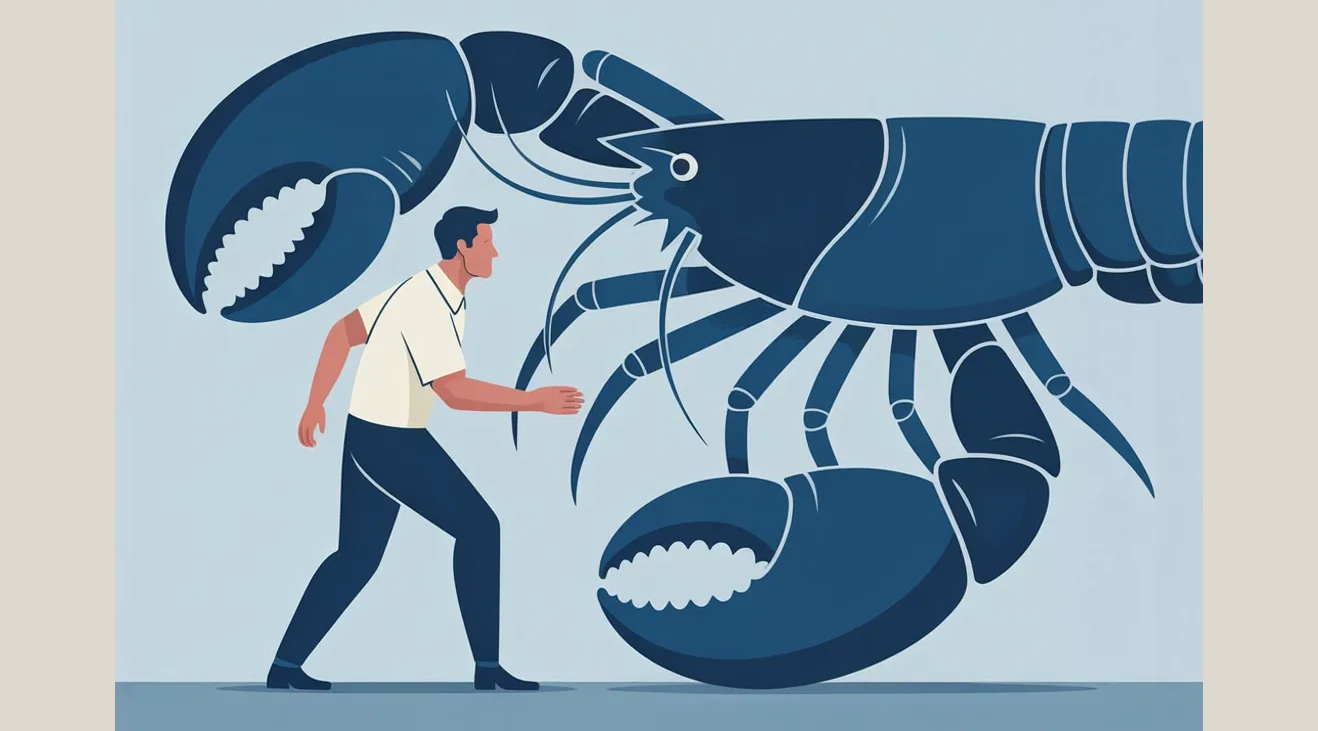
If you haven’t heard of it yet, you will. It’s the hottest AI tool on the planet right now. Over 247,000 stars on GitHub. Millions of downloads. Hundreds of YouTube videos promising it will manage your email, calendar, files, and entire business—all through a simple chat message on WhatsApp or Telegram. People were calling it “the iPhone moment for AI.” One user said it was “running my company.”
I’d been watching from the sidelines, telling myself I’d get to it when things slowed down. Well, being stuck at home with a box of tissues seemed like the perfect window. A sick day I could turn into a productivity sprint. Classic Three move.
So I rolled up my pajama sleeves and got to work.
Forty hours later, I was still at it. Then fifty. I was hunting down API keys for a dozen different services. Tweaking system instructions—fixing one thing, breaking another. Watching “get started in just 40 minutes” YouTube tutorials that turned into four-hour troubleshooting sessions. And watching my Anthropic API bill climb past $600.
By Saturday afternoon, I closed my laptop and sat there staring at the wall. I was sicker than when I started the week—because instead of recovering, I’d spent five straight days hunched over my computer chasing a tool that the entire internet told me I couldn’t afford to ignore.
I had to ask myself a hard question: Was this the future of AI? Or was this just the latest shiny object—and had my inability to stop producing just cost me a week of rest and $600?
Here’s what I concluded—and it’s probably not what you’d expect.
Every few months, a new AI tool explodes onto the scene and promises to change everything. OpenClaw is the latest—and it might be the most seductive one yet. But before you take the bait, here are three reasons to pump the brakes.
Reason #1: The Setup Is a Full–Time Job
The YouTube thumbnails make it look effortless. “Set up your AI assistant in 40 minutes!” “OpenClaw changed my life!” But here’s what those videos don’t show you: the hours of troubleshooting that come after.
I’m not a novice. I’ve been deep in AI for over two years. I’ve built apps, written automation workflows, and trained an entire mastermind of business owners on practical AI implementation. And I still couldn’t get OpenClaw to work reliably.
I’m not alone in that experience. One developer spent four days on setup and described it as a gauntlet of OAuth configurations, silent failures, and system instructions that needed constant tweaking.1 Tech entrepreneur Noah Kagan put it bluntly, saying he spent 80% of his time just keeping the tool online and fixing things.2 A user on the OpenClaw Discord captured what many are feeling: “It was fun, but I’m just gonna wait for big corp to churn it into an easily packaged subscription.”3
The truth is, OpenClaw was built by developers for developers. It requires command-line comfort, Docker configuration, API key management across multiple services, and a tolerance for things breaking at random. If you’re a business owner who wants AI that works for you instead of becoming your second job, this isn’t it. Not yet.
I spent 50 hours and $600 so you don’t have to.
Reason #2: The Costs Are Unpredictable and Unforgiving
Here’s what surprised me most. OpenClaw itself is free—it’s open source. But free is misleading. The tool needs a large language model to function, and every single action it takes burns API tokens. Every email it reads. Every calendar it checks. Every file it processes.
The default suggestion? Use Anthropic’s Opus 4.6 model via API. That’s like hiring an executive consultant to check your email. One tech blogger documented spending $3,600 in a single month. Another4 user described spending $200 in a single day because a task got stuck in a loop.5 A Hacker News analysis found that API costs regularly exceed what you’d pay a human executive assistant at $50 an hour.6
And the costs aren’t just high—they’re invisible until it’s too late. OpenClaw doesn’t ship with spending caps or budget alerts. There’s no circuit breaker. If something goes wrong—and with AI agents, things go wrong—the meter keeps running.7
Yes, you can optimize. You can route simple tasks to cheaper models. You can set manual spending limits with your API provider. But that’s exactly the problem: now you’re spending your time managing the costs of the tool that was supposed to save you time.
Research firm Gartner recently predicted that over 40% of agentic AI projects will be scrapped by 2027, not because the technology fails, but because organizations can’t operationalize them.8 OpenClaw is a case study in exactly that dynamic.
Reason #3: The Alternative Is Already on Your Desktop
This is the part I wish I’d realized before my pajama-clad productivity sprint.
While I was wrestling with OpenClaw, Anthropic—the company behind Claude—quietly launched something that does most of what I wanted OpenClaw to do. It’s called Cowork, and its newest feature is called Dispatch.
Here’s how it works. You open Claude on your desktop. You pair it with the Claude app on your phone by scanning a QR code. That’s it. No Docker. No API keys. No command-line configuration. Setup takes about two minutes.
Once paired, you can text Claude a task from your phone—and Claude completes it on your computer while you’re away. It can pull data from local files, search your Slack messages, draft reports, create presentations, and even open and navigate apps on your desktop.9
The key difference? Cowork runs inside a managed environment. Your files stay local. Your data doesn’t route through third-party servers. There are no unvetted community “skills” that might contain malicious code—a real problem with OpenClaw’s marketplace, where Cisco’s security team found skills that performed data theft without user awareness.10
Is Cowork perfect? No. It’s still in research preview. It requires your desktop to be awake and the app to be open. Complex tasks succeed about half the time, according to early testing.11 But here’s the critical difference: when it doesn’t work, you’ve lost a few minutes. Not $600. Not a week.
And it’s available right now on Claude Pro for $20 a month. No API token math. No surprise bills. No server administration.
That’s the difference between the cutting edge and the bleeding edge. The cutting edge gives you meaningful results with manageable risk. The bleeding edge gives you a great story to tell—but not much else.
The Real Lesson
Look, I’m not saying OpenClaw will never be useful. The technology is genuinely impressive, and the open-source community behind it is passionate. But “impressive” and “practical for your business today” are two very different things.
The real lesson from my lost week isn’t about OpenClaw. It’s about the pattern most of us fall into with AI: chasing the shiniest new tool instead of mastering the ones already in front of us.
I know that pattern well. I live it. And as an Enneagram 3, I’ll probably fall for the next shiny object, too. But I’m getting better at catching myself—and asking the question that matters: Will this tool actually help me serve my customers and reclaim my time? Or is it just another way to feel productive while standing still?
Imagine what would happen if you stopped chasing and started implementing. If instead of spending your weekend installing the latest viral AI tool, you spent that same time building one automation in a tool you already have—one that runs tomorrow and every day after.
That’s not just a smarter approach to AI. That’s the Double Win.
What’s the last shiny AI tool you chased—and what did it actually cost you?
Comments
If you have a question about using Claude Cowork to auutomate your workflows, click here to send me an email. I read every one. Seriously. Your experiences help me write better content, and sometimes the best insights come from readers like you.
Transforming AI from noise to know-how,

P.S. Consider the AI Business Lab Mastermind: Running a $3M+ business? You’re past the startup chaos but not quite at autopilot. That’s exactly where AI changes everything. The AI Business Lab Mastermind isn’t another networking group—it’s a brain trust of leaders who are already implementing, not just ideating. We’re talking real numbers, real strategies, real results. If you’re tired of being the smartest person in the room, this is your new room. 👉🏼Learn more and apply here.
REFERENCE
- Reddit user Pretid, ”I spent 4 days setting up OpenClaw. Here’s the brutal, unfiltered truth nobody is posting about,” r/OpenClaw, February 2026. ↩︎
- Noah Kagan, ”Open Claw is still overrated,” X post, March 2026. ↩︎
- Anonymous user, OpenClaw Discord community, ”Openclaw is a waste of tokens,” March 2026. ↩︎
- Federico Viticci, token usage documented in ”Why Is OpenClaw So Token–Intensive?” APIYI analysis, February 2026. ↩︎
- ”How Much Does OpenClaw Cost? 2026 Ultimate Pricing Guide,” GlobalGPT, March 2026.
↩︎ - Noah Kagan, X post, March 2026. ↩︎
- ”OpenClaw API Rate Limiting and Tokens,” ManageMyClaw, March 2026. ↩︎
- ”AI Agents in 2026: From Hype to Enterprise Reality,” Kore.ai, February 2026. ↩︎
- ”Put Claude to work on your computer,” Anthropic blog, March 23, 2026. ↩︎
- ”Personal AI Agents like OpenClaw Are a Security Nightmare,” Cisco Blogs, January 30, 2026. ↩︎
- ”Claude Dispatch: Control Cowork From Your Phone,” FindSkill.ai, March 2026. ↩︎